
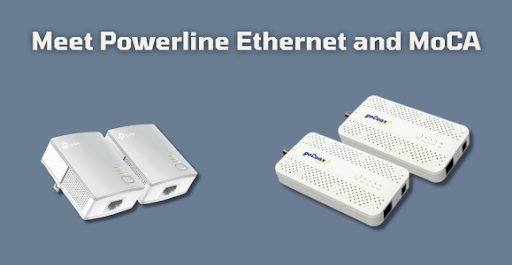

Written by Matthew Whitaker
The Problem With WiFi
With today’s growing reliance on the Internet, many are discovering that their connections are less than stellar. Whether they stutter or freeze – dumping you out during a video conference, webpages loading slower than molasses, or disconnecting from online video games, an unstable connection is a major obstacle to productivity.
These issues often come from using a WiFi connection that’s subject to interference and random changes in speed, which can result in interruptions and an unstable experience. Using an ethernet cable is a more reliable connection and diminishes interference.
So, you get smooth video calls, quick webpage loading, and disconnections being a thing of the past for your favorite online video games. The problem is that a wired connection requires a direct line from your internet router to the device in question. This can be a tall order for many users’ home network setups. Fortunately, there are ways to host a wired connection anywhere in your home without running coils of ethernet cabling all over the place.
Check Into Powerline Ethernet
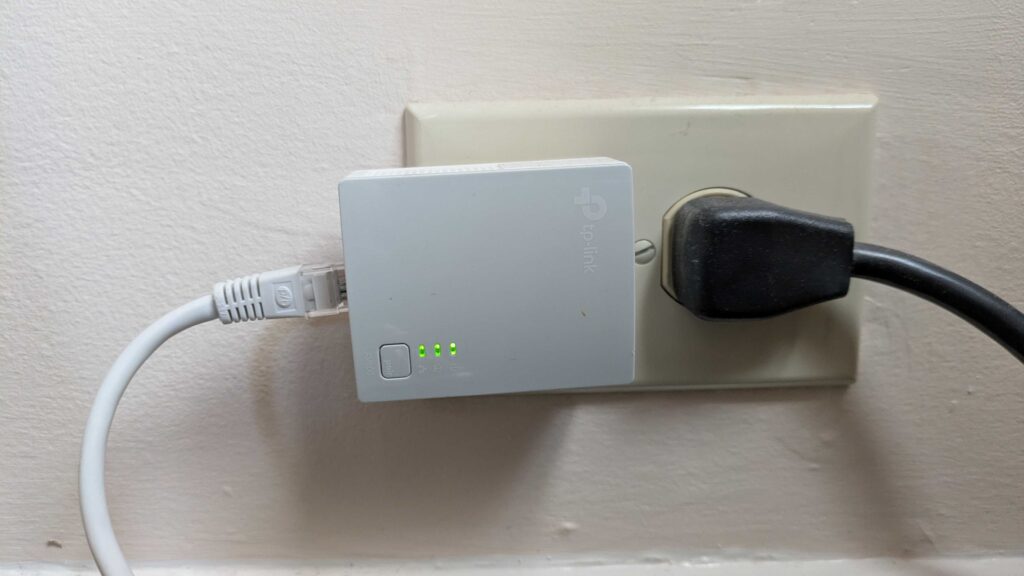
My personal quest for a wired connection was a result of facing frequent disconnections in Splatoon 2 for the Nintendo Switch system, my favorite online video game at the time. I was using a WiFi connection for the Nintendo Switch downstairs because my router was upstairs on the other side of the house. While I tried to use a WiFi repeater to improve signal strength, this did not diminish the rate of disconnections.
Running ethernet cabling was out of the question as I was not the homeowner, plus it would have been very expensive considering the amount of cable that I’d need to run. I was at a loss until my father suggested I try Powerline Ethernet, which runs a wired Internet connection over your home’s power wiring.
Sounds crazy, I know. But I tried it and found out it works very well. Each adapter plugs into a wall outlet and includes an ethernet port, so you can link one to your router and the other to your device for a convenient wired setup.
While the speed is lower, the wired connection is far more consistent and supports smooth video calls and disconnection-free online gaming. This gives my Nintendo Switch a wired connection downstairs and has basically eliminated my Splatoon 2 disconnects. This system worked great for several years, but as file sizes grew and faster speeds became necessary, I decided to upgrade to another solution.
Switching To MoCA
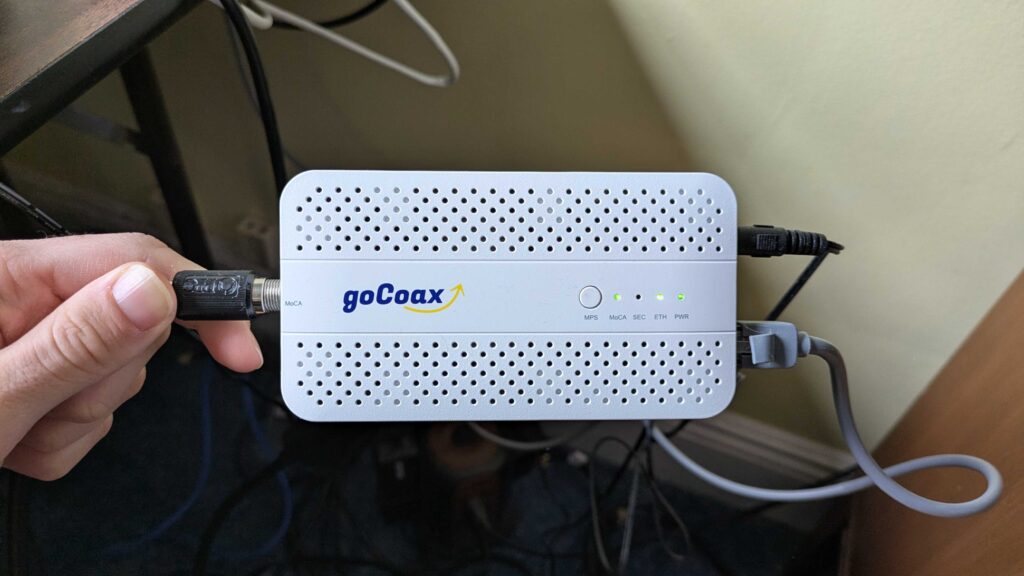
When switching my home Internet provider from Optimum to Verizon, the technician told me about another method of delivering a wired Internet connection to unserved areas of my house known as “MoCA”. When you hear the term “MoCA”, your mind probably goes straight to some fancy Starbucks drink. But it actually stands for “Multimedia over Coax Alliance.”
It sends a wired Internet signal through the coaxial cables in your house, the same ones that once carried TV service. Turns out these cables are actually better at running an Internet signal than Powerline ethernet, offering much faster speeds and even better stability.
It may not suit every home’s coax layout, yet it is a clear upgrade over Powerline ethernet and worth exploring. After some troubleshooting, I replaced my Powerline ethernet with MoCA and I’m thoroughly impressed by the results.
My download, upload, and ping speeds have all improved and I’ve had very few issues with MoCA so far. If your home supports it, MoCA’s the better choice, provided you have the patience to work through the setup.
Merit To Both Wired Solutions
Setting up either wired Internet connection is well worth the trouble thanks to its massive improvement in stability over WiFi. Using a wired connection will likely ensure a smooth experience when browsing the web, participating in video calls, and online gaming.
Running an ethernet cable from your router to a device is not always practical, so alternatives like Powerline ethernet and MoCA help fill the gap. Powerline is easy to install and reliable, though speeds can be limited by your home’s electrical wiring. MoCA uses coaxial cables and delivers faster, steadier performance, though setup requires a bit more patience. Both options outperform WiFi and make everyday online use feel far smoother.
Whichever solution you choose, both are a huge improvement over WiFi, leading to smooth sailing over the Internet as we continue to integrate it into our lives.